
Virtual list API
A virtual list in shadcn's component style with TanStack Virtual's option names (count, estimate_size, overscan, get_item_key, scroll_to_index, scroll_to_offset, measure_element, on_range_change), plus a ChatList, over the variable-height list that holds ten million rows.
- Rust
shadcn/ui has no virtual list, so this one follows the library everyone reaches for next to it, TanStack Virtual: count, estimate_size, overscan, get_item_key, scroll_to_index, scroll_to_offset, measure_element and on_range_change, as props and handle methods of components written the way the shadcn ones are. Underneath is the variable-height list, so ten million rows cost what a screenful does.
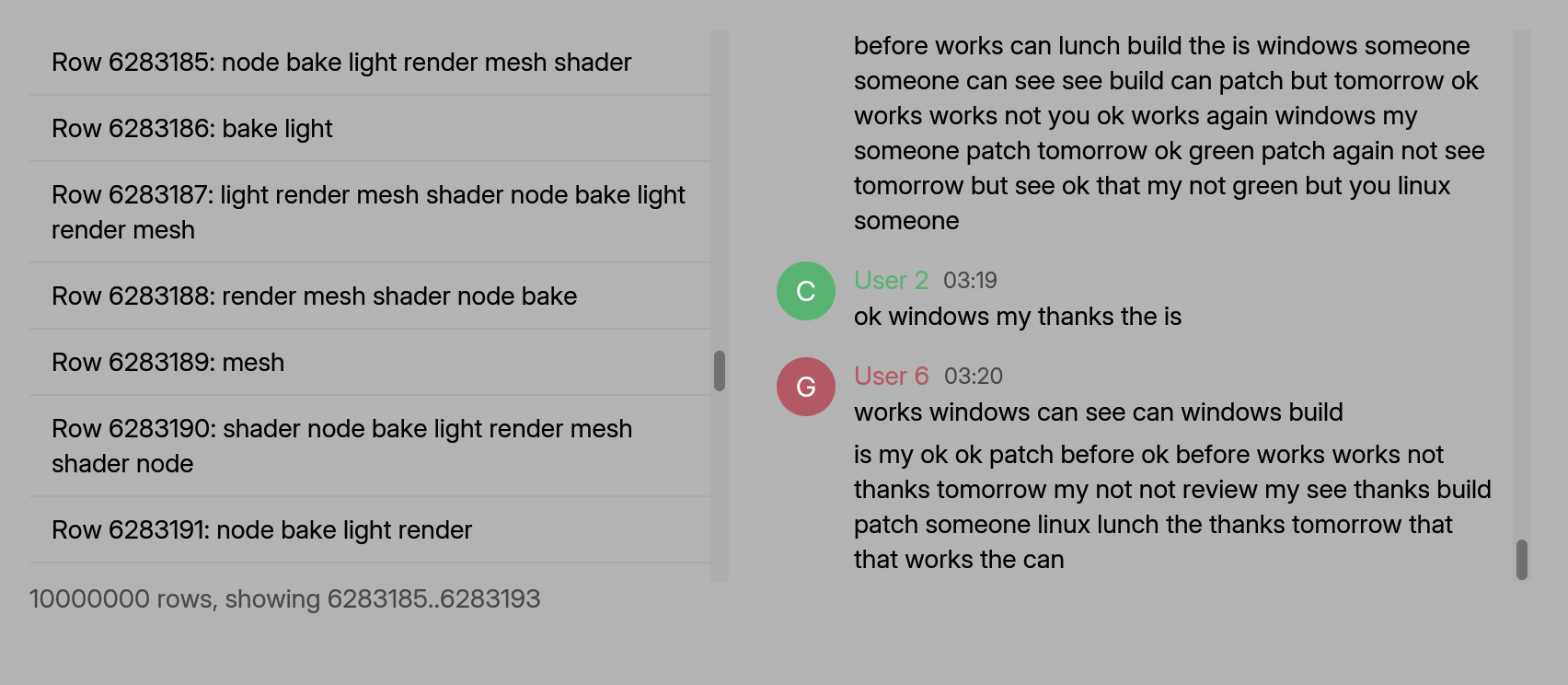
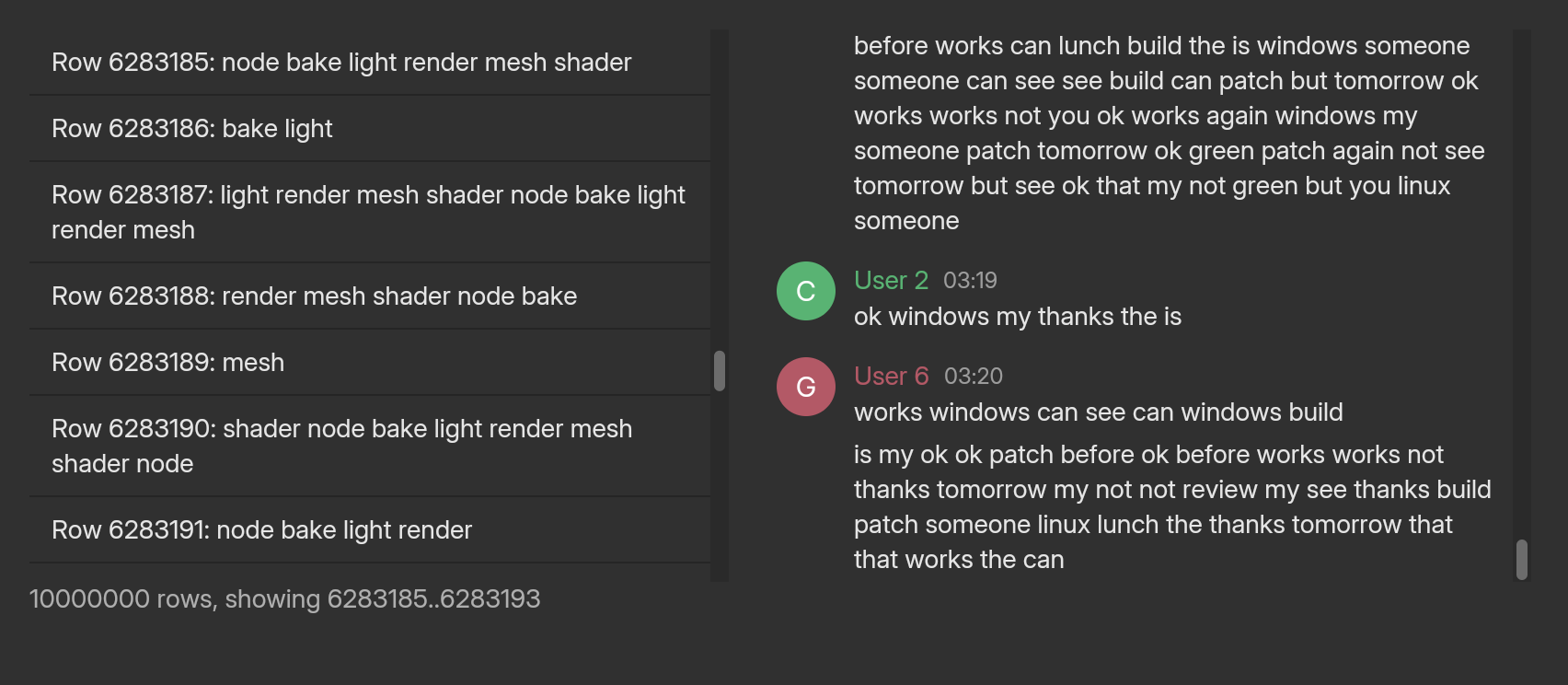
examples/site_shadcn_list.rs).A list of ten million rows
An item is text: you write what item index says into a buffer, and the list measures, wraps and draws it. Nothing is stored per item.
use blenderui::prelude::*;use blenderui::shadcn::*;
fn row(i: usize, out: &mut String) {    out.push_str(&format!("Row {i}"));}
#[component]fn big_list() { let list = use_virtual_list(); rsx! { <VirtualList list={list} count={10_000_000} item={row} estimate_size={36.0} overscan={12} on_range_change={|view: &ViewInfo| println!("showing {:?}", view.range)} w={px(380.0)} h={px(300.0)} /> }}use blenderui::prelude::*;use blenderui::shadcn::*;
VirtualList::new(10_000_000, |i, out| out.push_str(&format!("Row {i}"))) .list(list) .estimate_size(36.0) .overscan(12) .on_range_change(|view| println!("showing {:?}", view.range)) .w(px(380.0)) .h(px(300.0))item runs for the items the list fetches (the ones in view and a few ahead), not for ten million. A click on a row selects it. The list is a normal element, so size it like one: give it a width and a height.
TanStack Virtual, name by name
| TanStack Virtual | Rust |
|---|---|
count |
count on VirtualList. A ChatList has its messages. |
estimateSize |
.estimate_size(px): the height of a one-line item before it is measured. What the list measures afterwards calibrates the estimates of the rest. |
overscan |
.overscan(items): how many items beyond the viewport the source is asked for. |
getItemKey |
.get_item_key(|index| key): stable keys, ascending with the index. They let the list find an item again after the data changes. |
scrollToIndex(index, { align }) |
list.scroll_to_index(index, Align::Start | Center | End, cx) |
scrollToOffset(offset) |
list.scroll_to_offset(px, cx) |
measureElement |
list.measure_element(index, height, cx): a height you know for sure. The list measures wrapped text by itself. |
onChange, range |
.on_range_change(|view| ..) and list.range() |
getTotalSize(), scrollOffset |
list.view_info(cx) (ViewInfo: range, count, scroll_offset, total_size) |
useVirtualizer |
use_virtual_list() |
estimate_size, overscan and stick_to_bottom are read when the list is created. on_range_change is called when the visible range or the count changes, not for every pixel of scrolling; ask view_info for the exact offset.
A chat
ChatList is the same list with the chat’s look: avatars, run headers, day dividers and whole-message selection. It opens at the newest message and follows new ones while you are at the bottom.
#[component]fn conversation() {    let list = use_virtual_list();    let messages = use_memo(|| Arc::<[Message]>::from(load_history()), ());    rsx! { <ChatList list={list} messages={messages} w={px(420.0)} h={px(300.0)} /> }}
// from an event handler: list.push(message, cx)ChatList::new(messages) .list(list) .w(px(420.0)) .h(px(300.0))
// from an event handler: list.push(message, cx)messages is compared by identity. Pass the same Arc and the list keeps its scroll position; pass another and it starts a new conversation. Append with list.push(message, cx).
Your own source
VirtualList and ChatList build on ItemSource and ListState, so everything of Variable-height lists works under them: the file-backed source that holds ten million messages, the item painters, the history pages. To show one of those with these props, build the ListState yourself and use variable_list(&state).on_view_change(..), which is where on_range_change comes from.
Limitations
- An item is text, not JSX. The rows are painted, not built, which is why ten million of them are cheap.
AlignhasStart,CenterandEnd. There is noauto.- No horizontal lists, lanes, grids or sticky items. The list is a vertical column of full-width items.
measure_elementtakes a height; it does not observe anything.- Read-once options.
estimate_size,overscanandstick_to_bottomdo not change after the list exists. If the items change without the count changing, calllist.invalidate(cx). - Keys must ascend with the index. The list finds an item by key with a binary search.
- Commands do nothing before the first frame. The same goes for the
TableHandleof the data table.
Next steps
Last updated